Stuck, or found something that isn't working? There are several ways to get help, from a quick answer from our AI assistant to a direct email to our support team.
Help articles
Open the account menu in the top-right corner and choose Help & Docs to browse and search these articles.
Ask Cruci, our AI assistant
Cruci answers questions about using Writing Crucible, any time, on any page, even before you sign in.
Click the round Cruci button in the bottom-right corner of the screen. (It's also the first entry in the Messages panel.)
Type your question in What can I help you with? and send it.
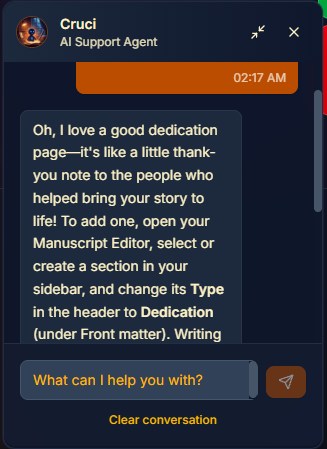
Cruci can:
explain how a feature works and where to find it,
answer questions about plans and pricing, and
link you to the right help article.
Cruci answers from our help articles and product information. It can't see your account or make changes to it, and it won't write or edit your story for you. Cruci can't pass you to a person, so if you need someone to look at your account, report a bug or email us (below).
Report a bug
Click the red Report a bug tab on the right edge of the screen. On a phone, open the account menu and choose Report a Bug.
Fill in the form: Your name, Severity (Low, Medium or High), Subject, Description and Steps to reproduce (required). You can add a Screenshot (optional).
Click Submit bug report.
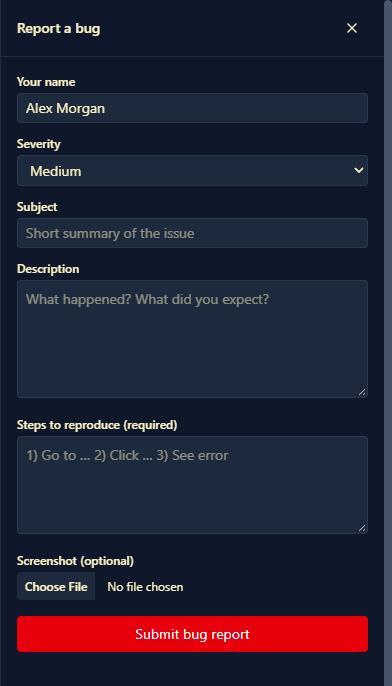
Clear steps help us find the problem fast: what you clicked, what you expected, and what happened instead. You'll get a notification with your ticket number.
Your support tickets
Open the account menu and choose Support Tickets to see every bug report and support request you've made, and our replies. You can also get there from Settings → Account: click View support tickets.
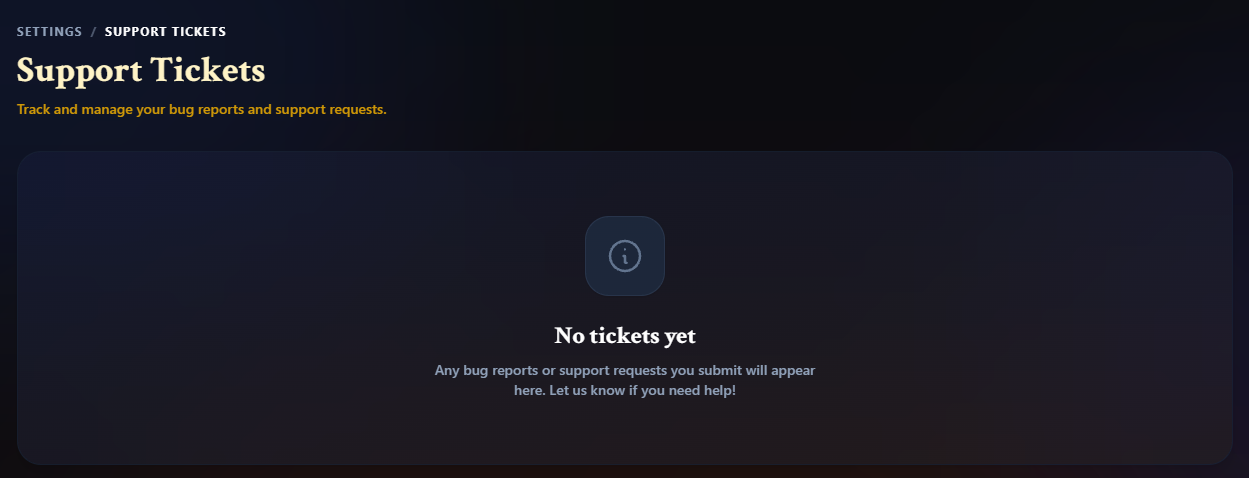
Each ticket shows its status: Submitted, In Progress, Waiting on You (we need something from you), Resolved or Closed. Click a ticket to see the details and any replies from support.
You can't reply inside a ticket. To follow up, email us and include your ticket number.
Leave a review
We'd love to hear what you think. Click the green Leave a Review tab on the right edge of the screen, or Leave a Review in the page footer. Choose a Rating, add a Title (optional), write Your review, and click Submit review.
Contact support
Email us at wc-support@writingcrucible.com, or click Contact Support in the page footer. Email is the best way to reach a person, for example about billing or getting back into your account.