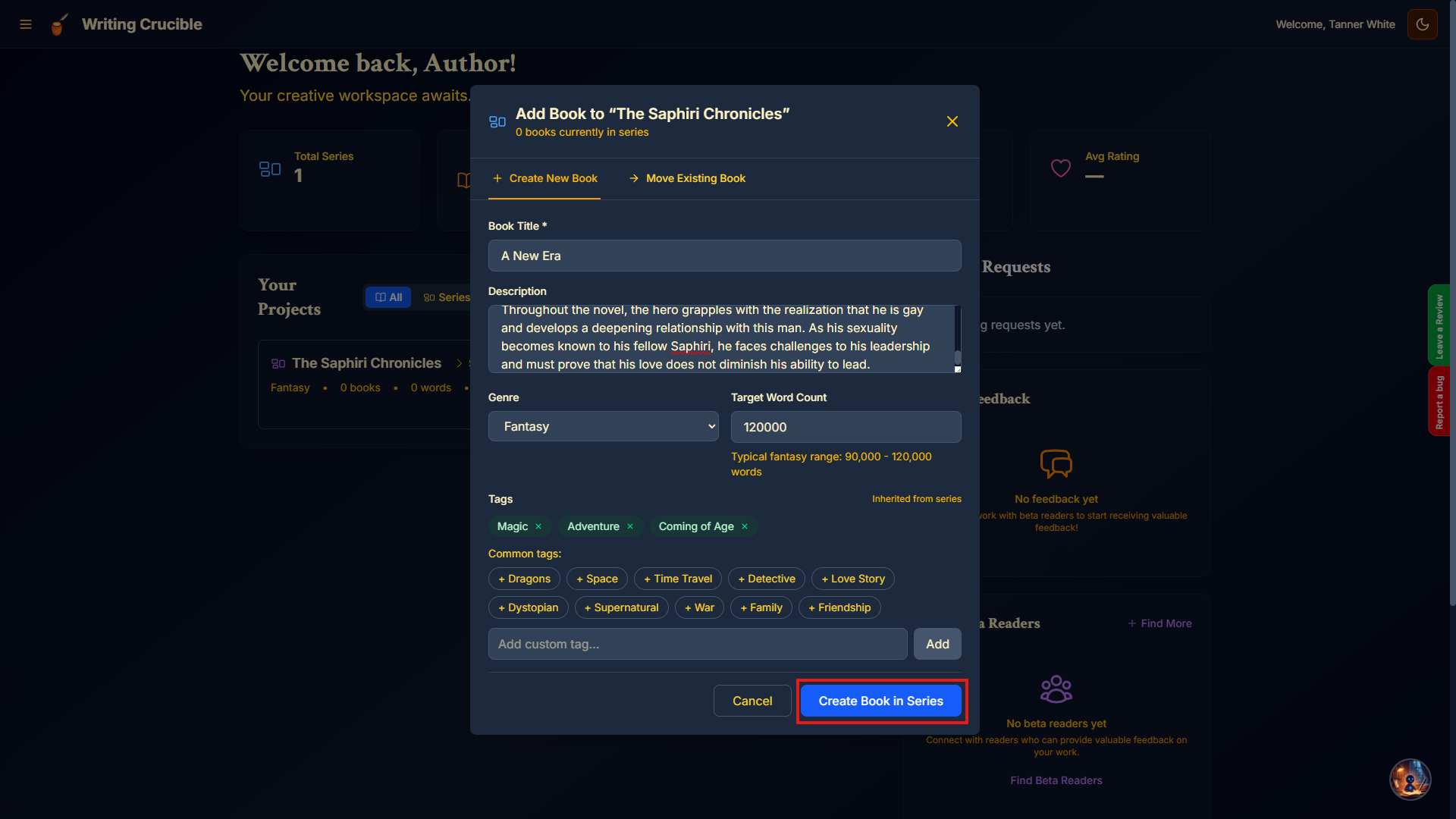
There are two ways users can create a new book and the method that is right for you depends on whether the book will belong to a series or not. We will cover both methods below:
Standalone Books
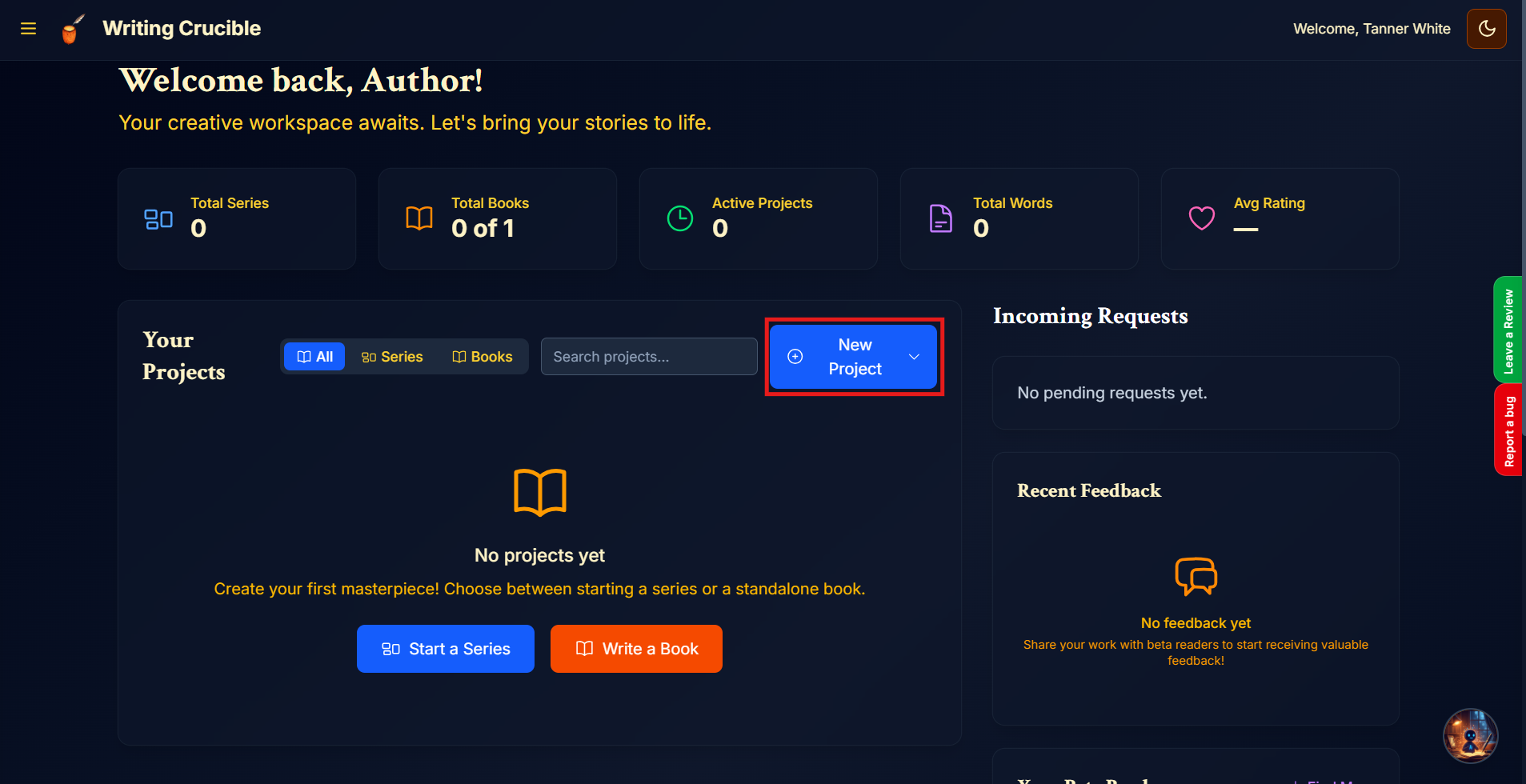
Navigate to the Author Dashboard and click "New Project".
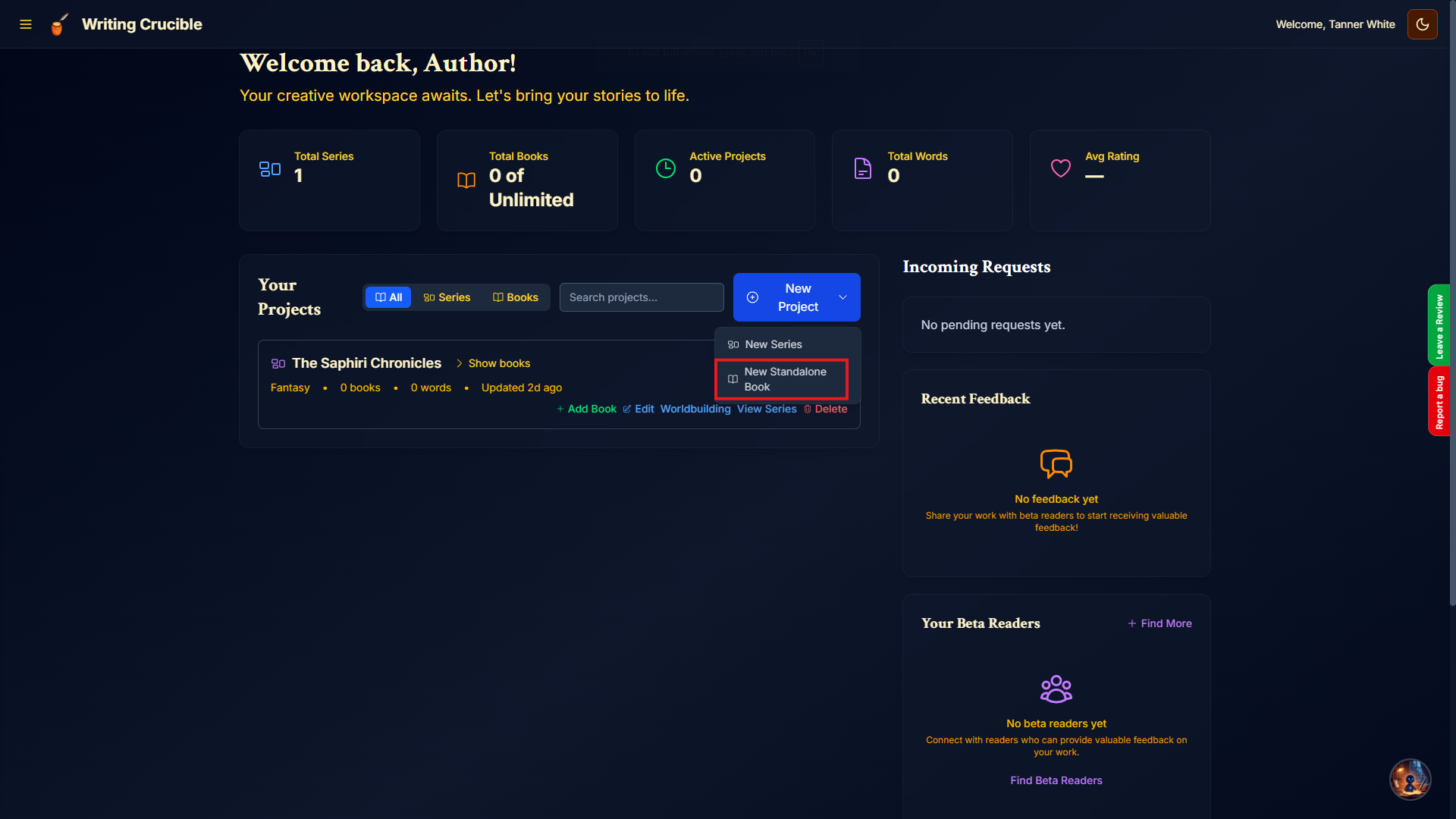
Click "New Standalone Book"
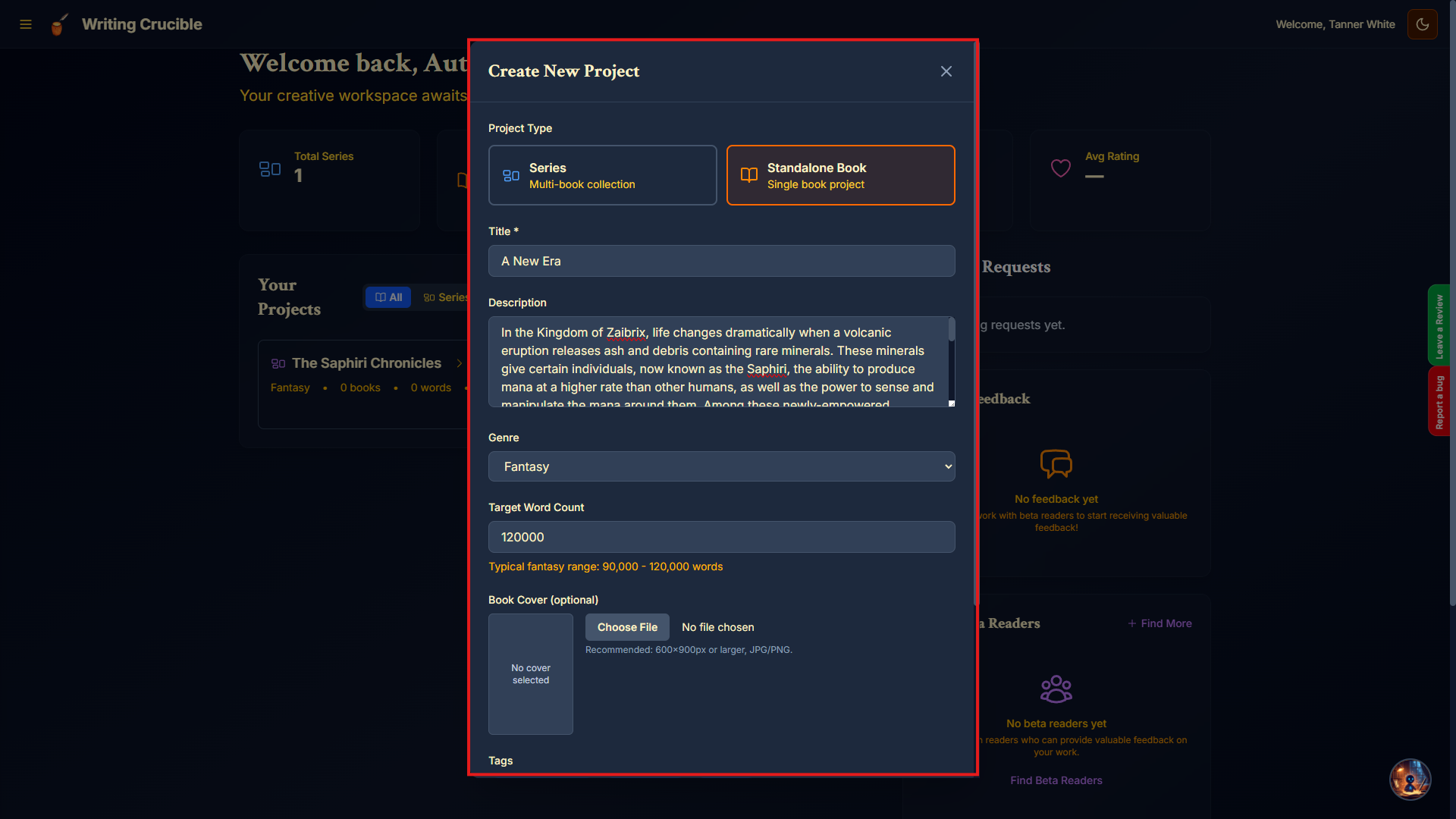
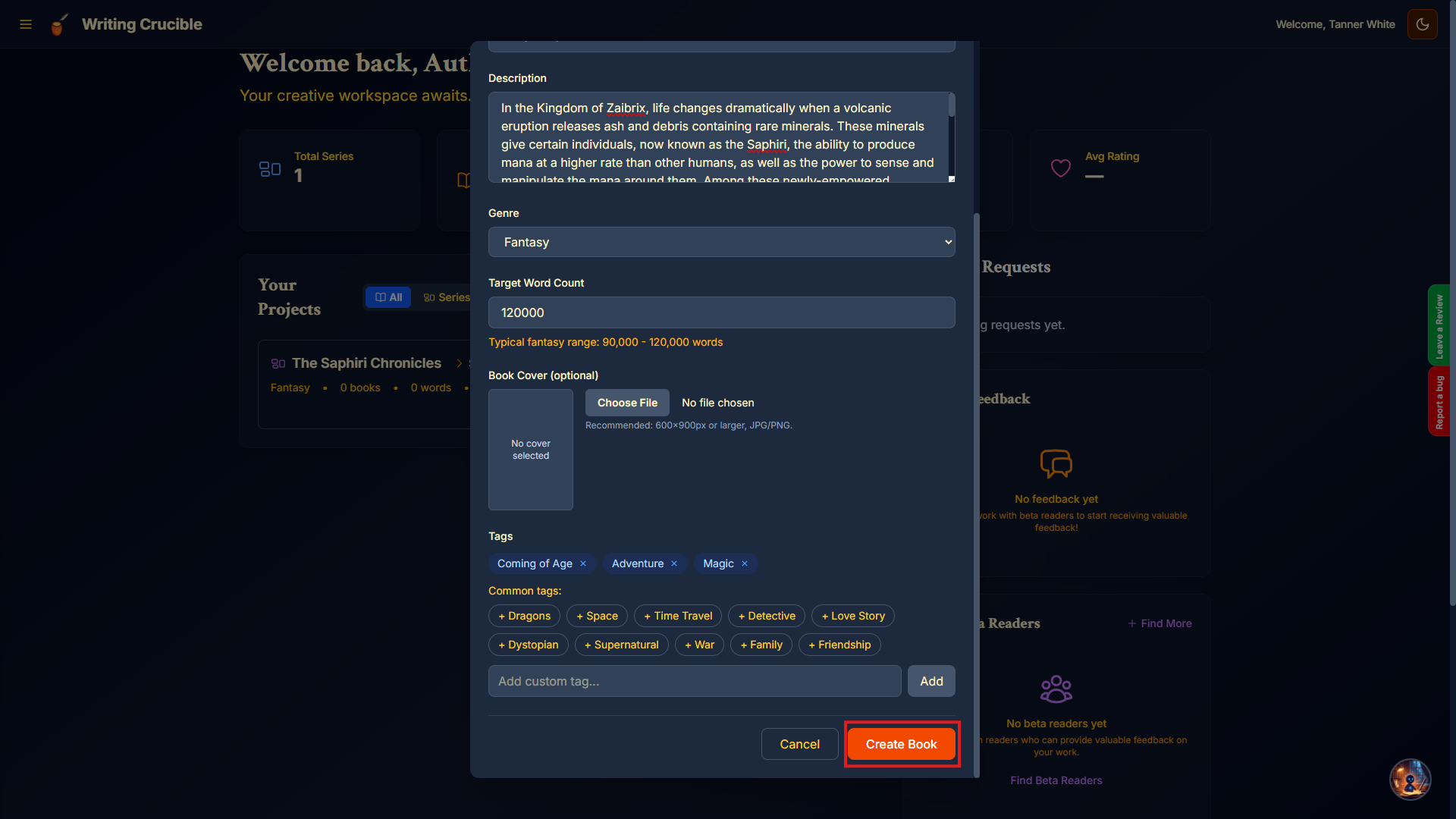
Fill out the information in the form. (*The only required information is the Title field. All fields can be edited later)
Click "Create Book"
Creating a new book within a series
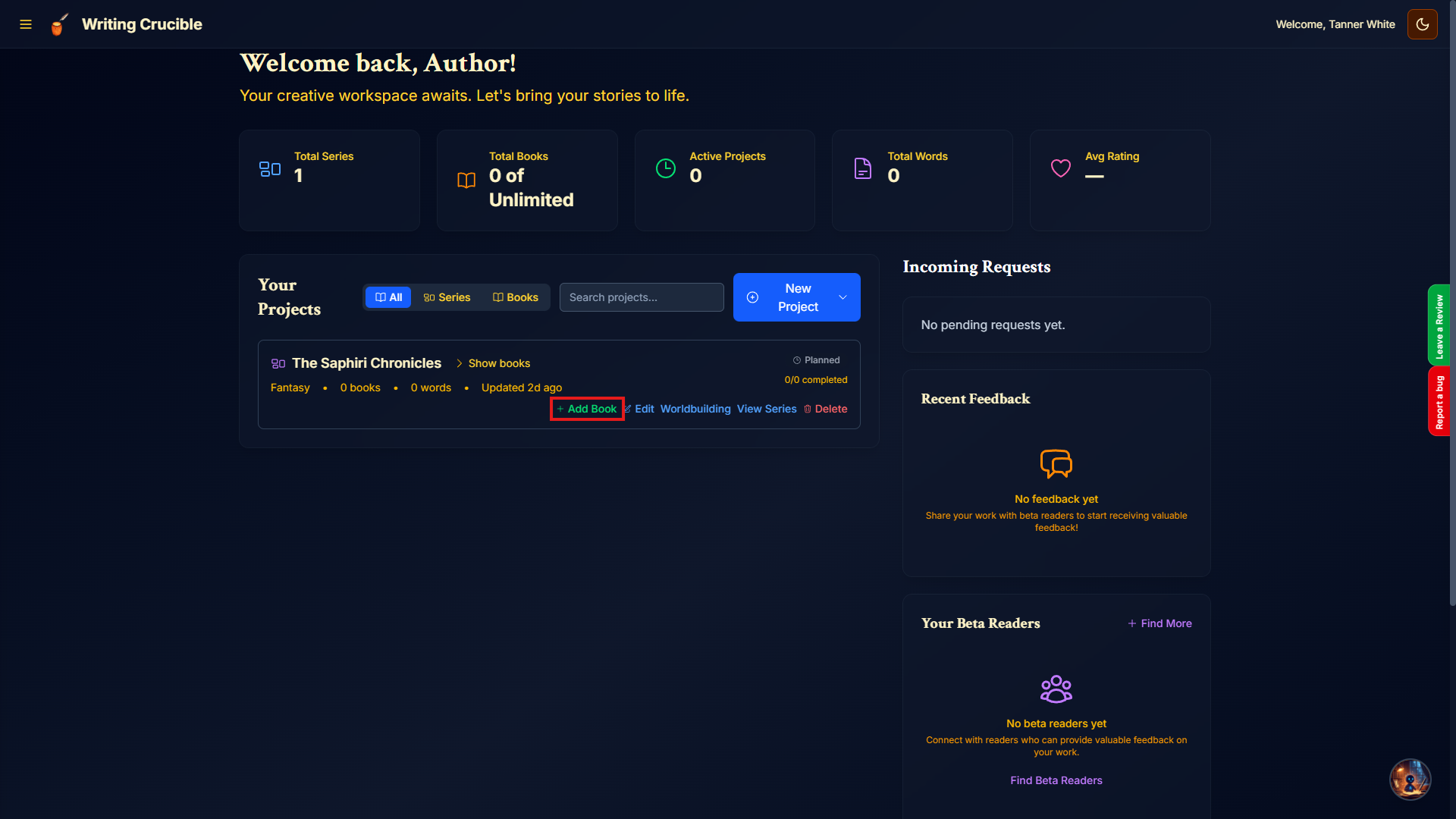
Navigate to the Author Dashboard and scroll to the series you want to add a book to. Click "+ Add Book" on the series card.
Fill out the form to add the book. (*The only required field is the Title)
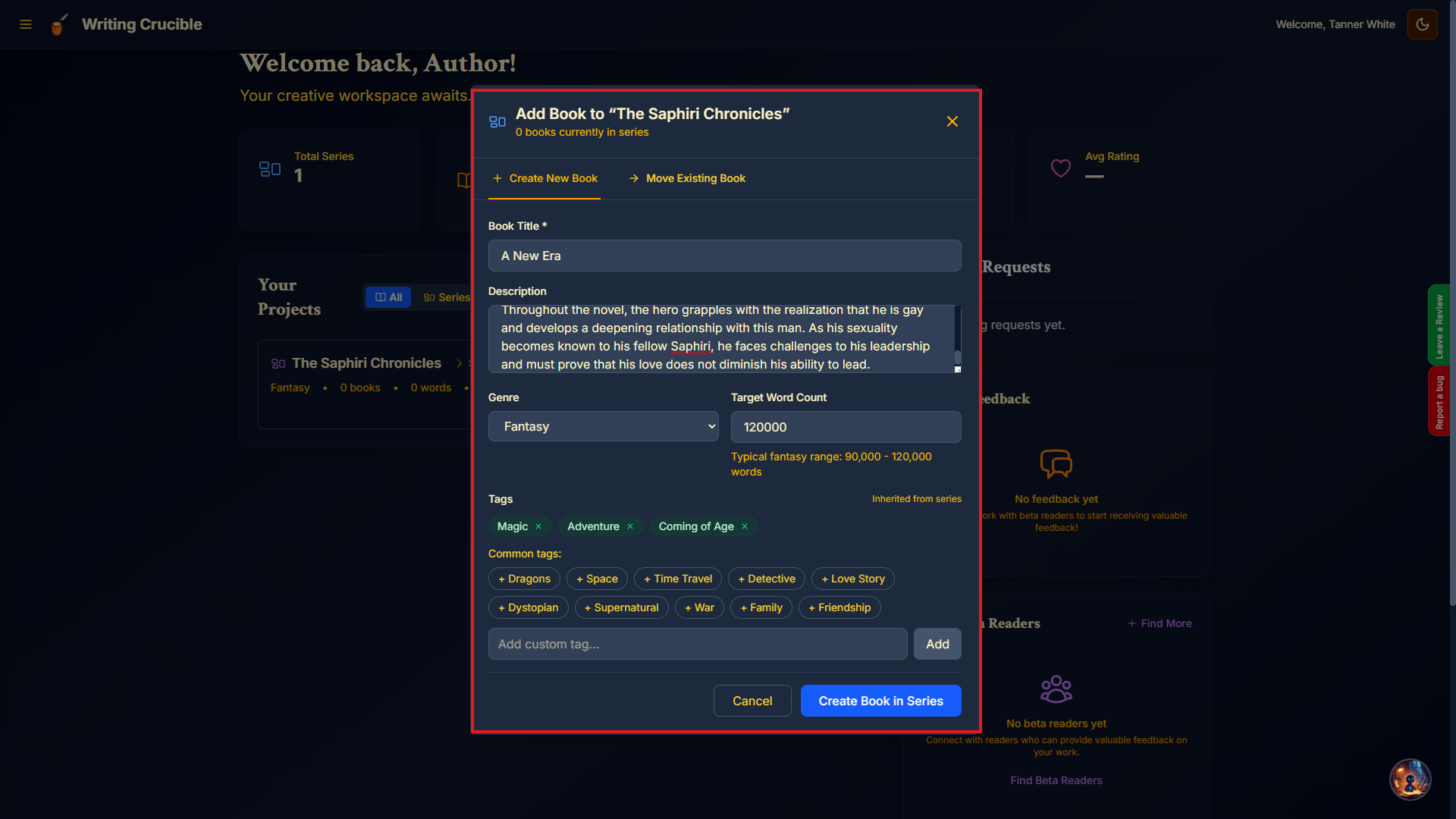
Click "Create Book in Series"